How to Rename Video and Audio Files with AI
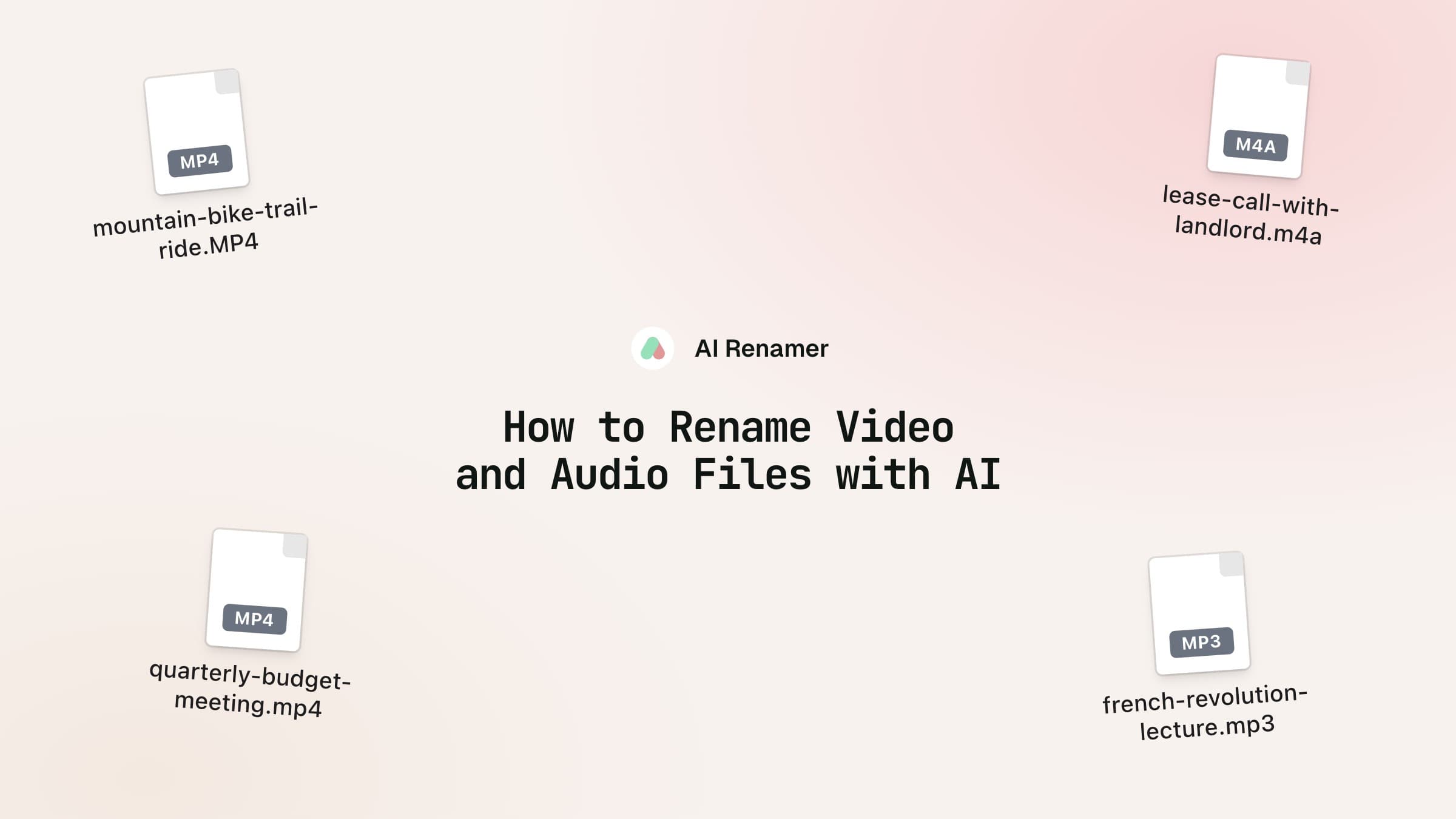
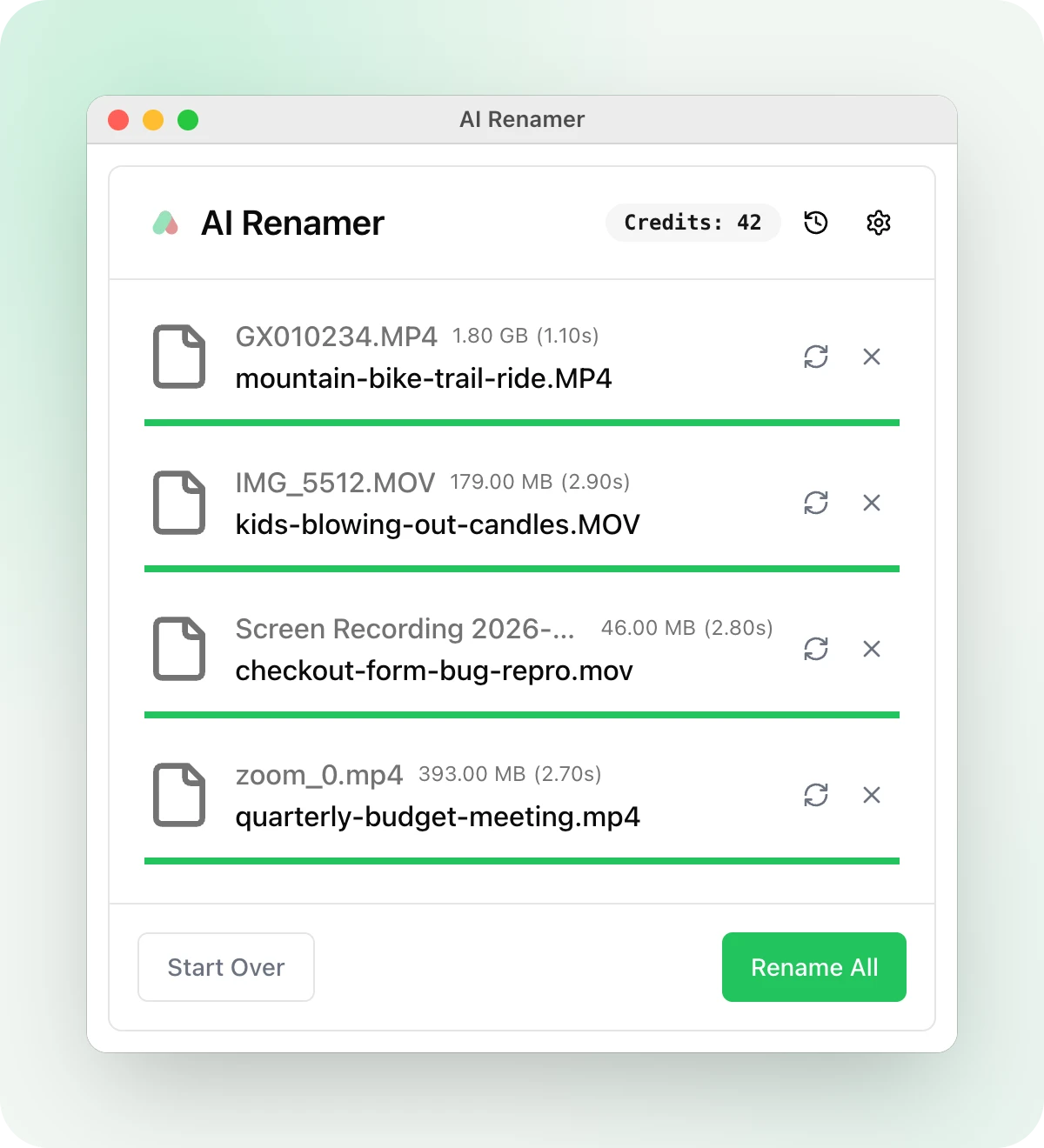
Your phone, your camera and your screen recorder all name files by a number or a time: GX010234.MP4, IMG_5512.MOV, New Recording 14.m4a. To find last weekend's trail ride, you open them one at a time and scrub through each.
AI Renamer 1.10.0, out today, names video and audio files by what's in them, the way it already names photos and PDFs. It opens 16 video extensions, MP4, MOV and MKV among them, and 13 audio ones, including MP3, M4A, WAV and FLAC. It comes with its own copy of ffmpeg, the tool that reads them, so there's nothing else to install.
A video goes in as four frames
The app takes four frames from the video, at 10, 35, 60 and 85 percent of the way through, and puts them in a 2x2 grid. The model gets that one picture, with a note that the frames come from one video, in order, and that it should name the video by what happens in it. That way the model sees the middle and the end of a clip as well as how it starts.
In cloud mode, the app uploads only that grid, at most 2,048 pixels on its long side, so a 2 GB GoPro file goes up as one picture and the video itself never leaves your computer. Phone videos filmed sideways get turned the right way up first. In local mode the grid goes to your own model, so it has to be one that reads images, like llava:13b with Ollama.
A recording goes in as its first minute
In cloud mode, the app cuts the first 60 seconds of sound into a small sample, about 1.3 MB, and the site has Whisper, a speech-to-text model, write down what's said in it, in whatever language it hears. The model names the file from that transcript. If you start a voice memo by saying "notes from the call with the landlord about the lease," you get a name like lease-call-with-landlord.m4a. Whisper only hears the first minute, so a lecture gets its name from how it opens. When there's no speech, the model goes by the file's tags and name.
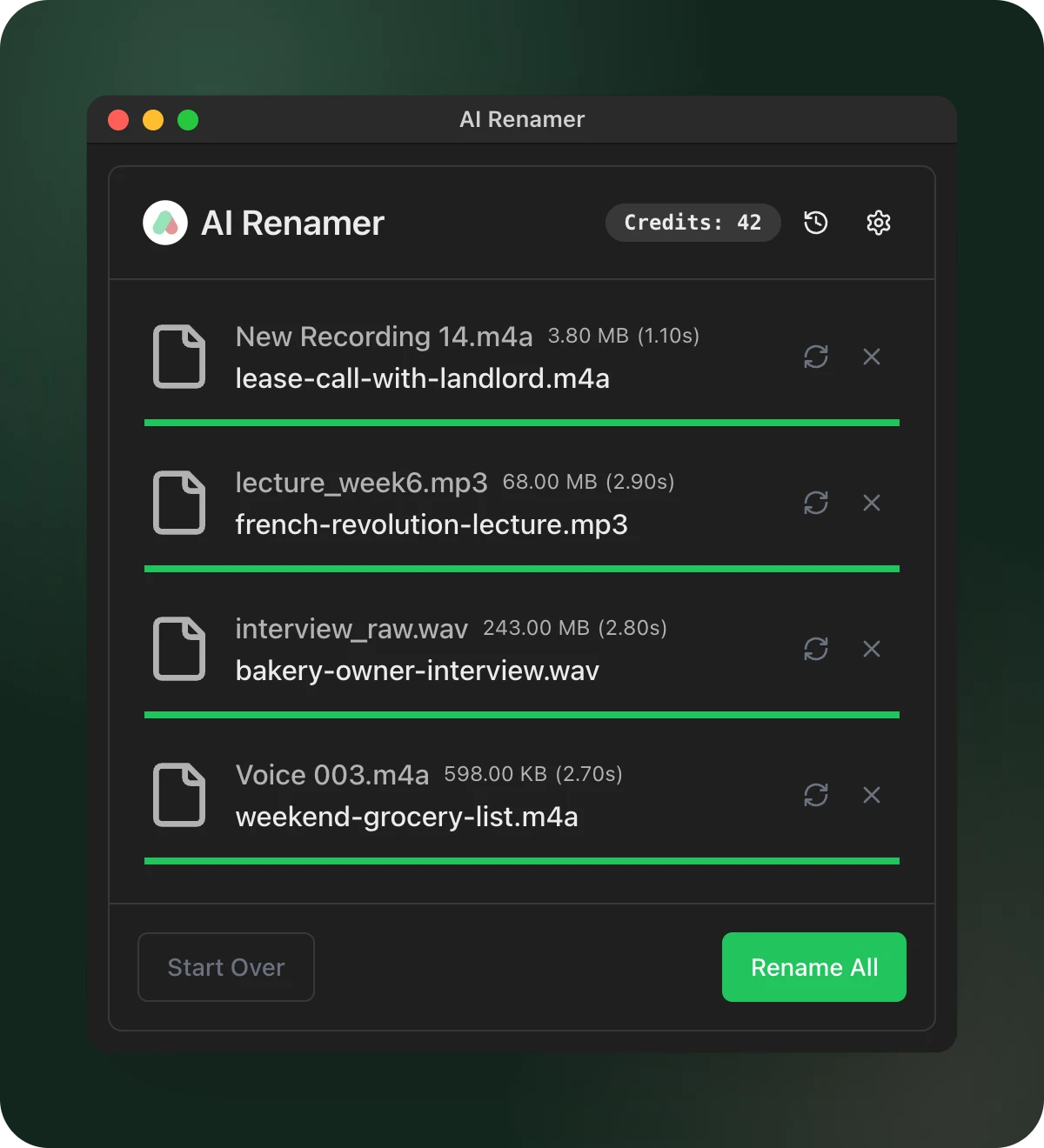
In local mode there's no transcript. The model gets the file's tags, its length and its name, so a song or a podcast episode with its tags filled in can still get a good name, but a voice memo with no tags can't be named by what you said in it. For recordings of speech, use cloud mode.
The details inside the file go along
Video and audio files carry tags: a title, an artist, an album, a show, a genre, and the date it was recorded, if the file has one. The app sends those and the length to the model with the frames or the transcript, in both modes. It leaves out the place a phone saves with a video, since that's where you were.
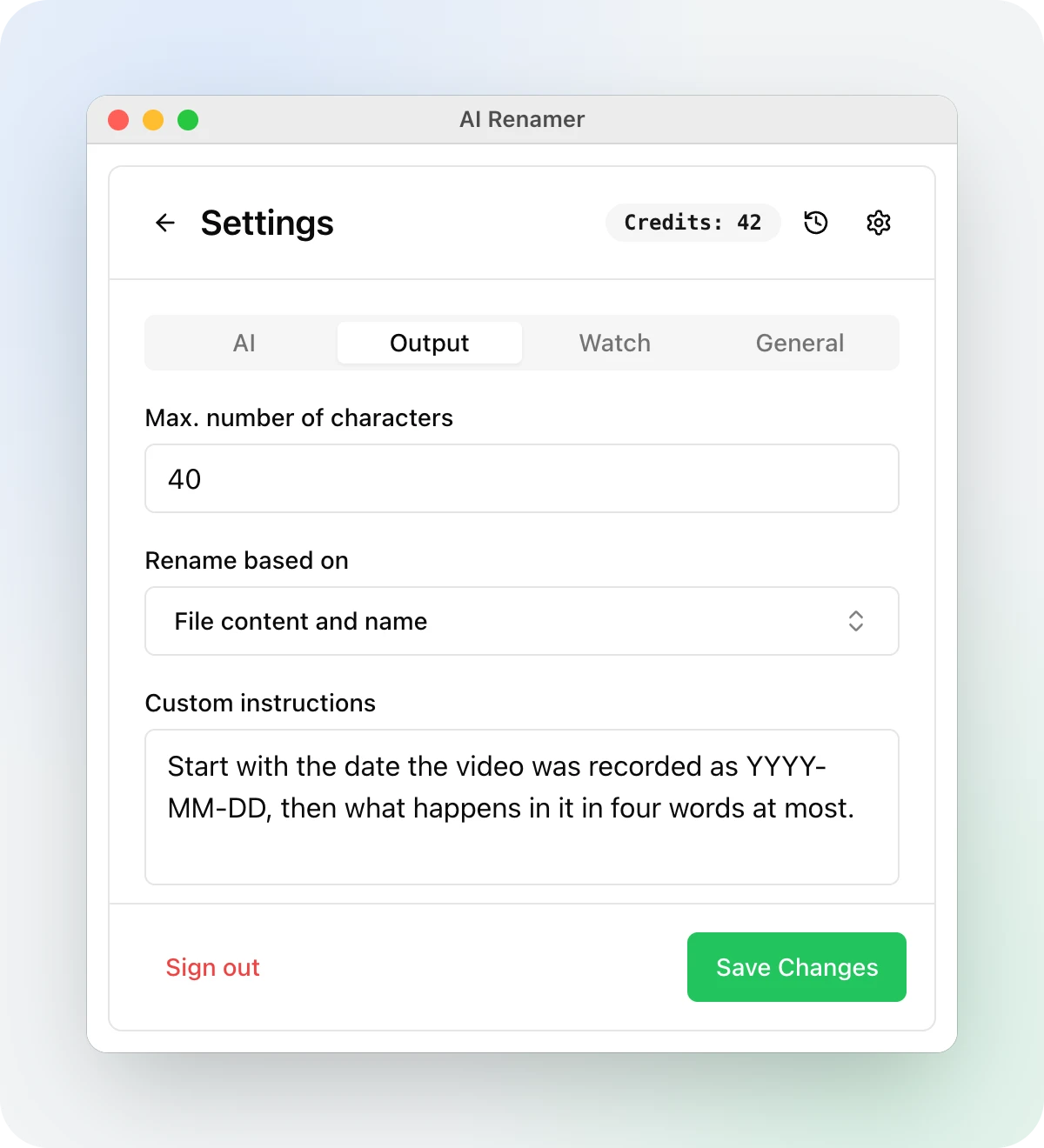
That recording date lets you put the date first in a video's name. A photo's EXIF date only reaches the model in local mode, but a video's recording date goes along in cloud mode too. Put this in Custom instructions on the Output tab, and raise Max. number of characters from 25 to 40 so the date fits:
Start with the date the video was recorded as YYYY-MM-DD, then what happens in it in four words at most.
GX010234.MP4 → 2026-11-08-mountain-bike-trail-ride.MP4
In cloud mode each file costs one credit, a ten-second clip the same as a two-hour recording. Nothing on disk changes until you press Rename All.
The custom instructions article has twenty more patterns, and shows how Case style and the character limit shape the final name.
Drop one phone video and one voice memo on the window, and read the two names before you press Rename All.
AI Renamer is available for Mac and Windows at airenamer.app.