How to Automatically Rename Files for Notion, Obsidian, and PKM Users Using AI
A Fast and Private Way to Rename Files for Personal Knowledge Management
If you actively use Notion, Obsidian, or any personal knowledge management system, your notes are probably well structured.
Your files usually are not.
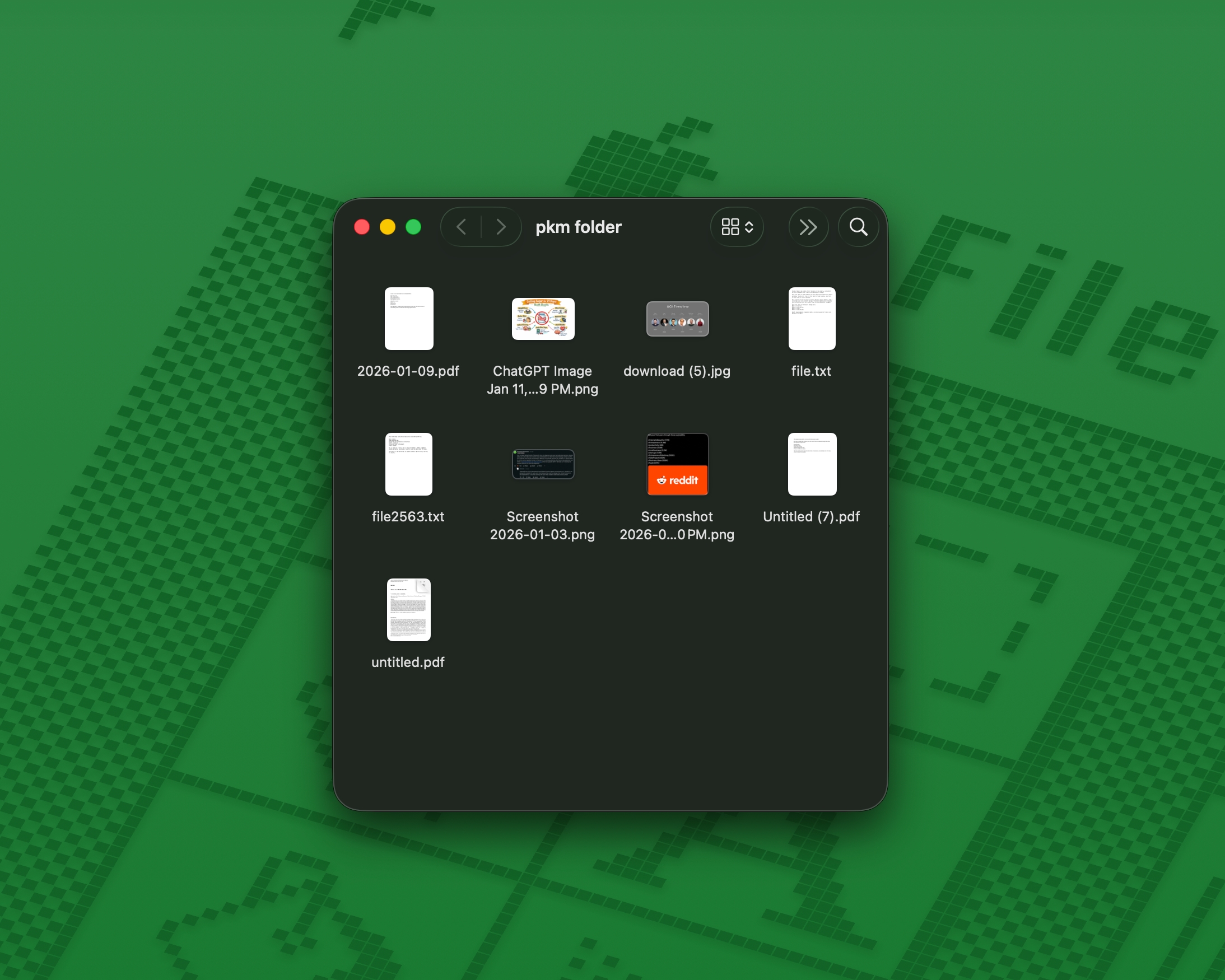
PKM workflows collect files from everywhere:
- Research PDFs
- Screenshots
- Book highlights
- Lecture notes
- Scanned handwritten notes
- Web clippings
- Images added to notes
- AI generated reference images
Most of them arrive with filenames like:
download (7).pdfScreenshot 2026-01-11.pngimage_42.pngfinal_notes.pdf
These filenames slowly break even the best PKM systems.
In this guide, you will learn how to automatically rename files for Notion, Obsidian, and PKM workflows using AI, so your knowledge base stays clean, searchable, and future proof.
If you are new to AI Renamer, start here:
Why File Names Matter in PKM Systems
Notion and Obsidian are powerful, but they do not solve file naming.
Even with good folder structures and backlinks, bad filenames cause problems:
- Search results become noisy
- Linked files lose context
- Vaults and databases grow messy over time
- Old files become hard to understand
- Reusing research takes longer than it should
A PKM system is only as good as the clarity of the files inside it.
An AI powered file renamer fixes this by generating descriptive filenames before files ever enter your Notion workspace or Obsidian vault.
How AI Renamer Helps Notion and Obsidian Users
 AI Renamer analyzes the content of your files and suggests clear filenames automatically.
With AI Renamer, PKM users can:
- Batch rename files before importing them into Notion or Obsidian
- Rename PDFs, images, and text files based on content
- Keep everything private using Local Mode
- Apply consistent naming rules across research material
- Preview filenames before applying changes
AI Renamer works alongside your PKM system. It does not replace it.
Supported File Types for PKM Workflows
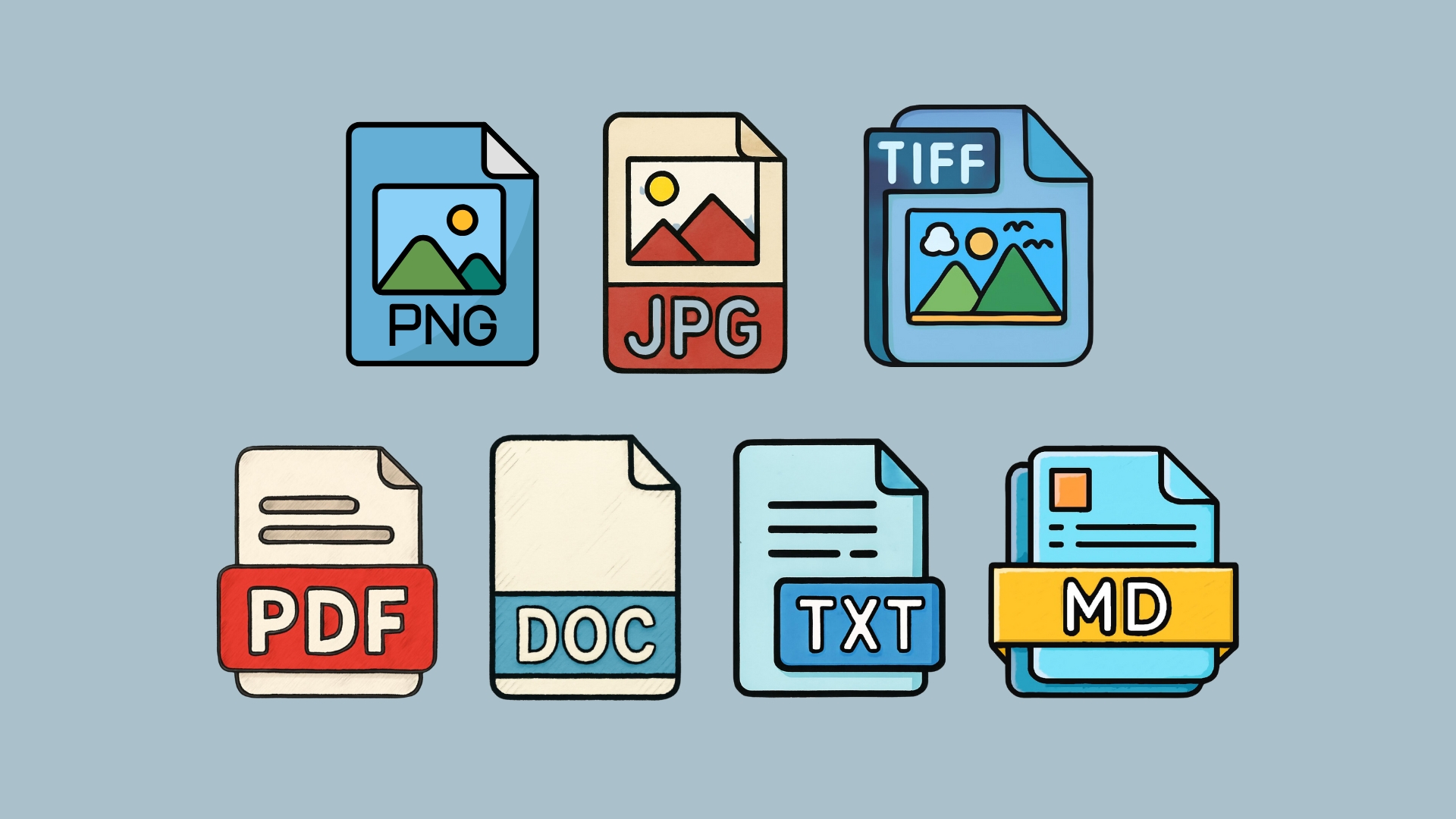
AI Renamer supports the formats commonly used in knowledge bases:
- PDFs: research papers, articles, book excerpts
- Images: screenshots, diagrams, photos, AI generated visuals
- Text files: TXT, MD, HTML, CSS, JS, and more
This makes it ideal for:
- Academic research
- Zettelkasten systems
- Digital gardens
- Study notes
- Long term knowledge archives
How to Automatically Rename Files for PKM (Step by Step)
1. Download AI Renamer
 Download the desktop app for macOS or Windows:
Installation guides:
2. Choose Local Mode or Cloud Mode
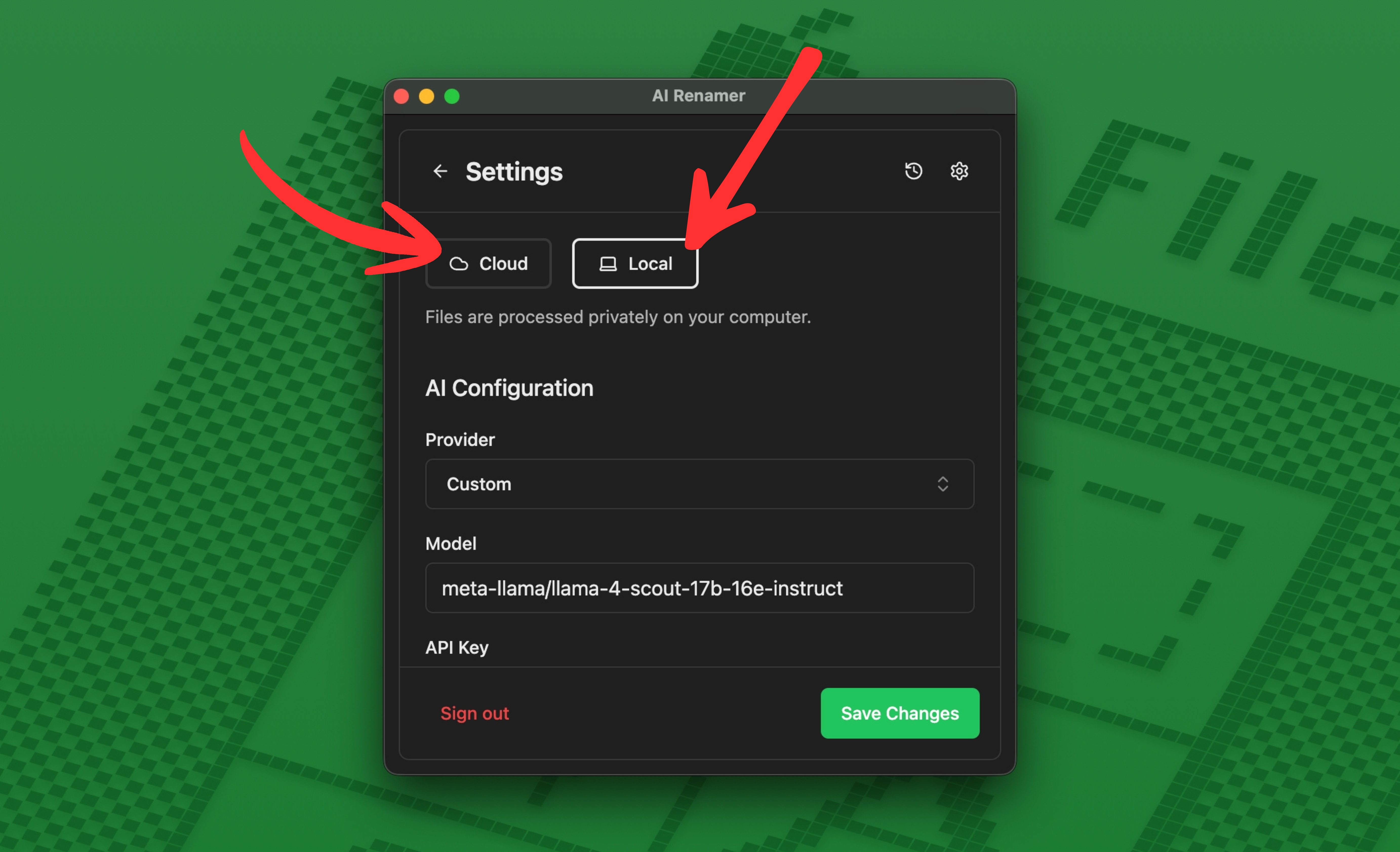 Local Mode (recommended for PKM users)
- Runs fully on your device
- Files never leave your computer
- Unlimited renaming
- Ideal for private notes and research
Cloud Mode
- Uses built in AI models
- 1 rename equals 1 credit
- Useful for quick cleanup sessions
Both modes support PDFs and images used in PKM systems.
3. Add Your PKM Files
 Drag and drop folders like:
research-papers/screenshots/lecture-notes/book-highlights/reference-images/
AI Renamer scans the files and prepares filename suggestions based on their content.
4. Preview the AI Generated Names
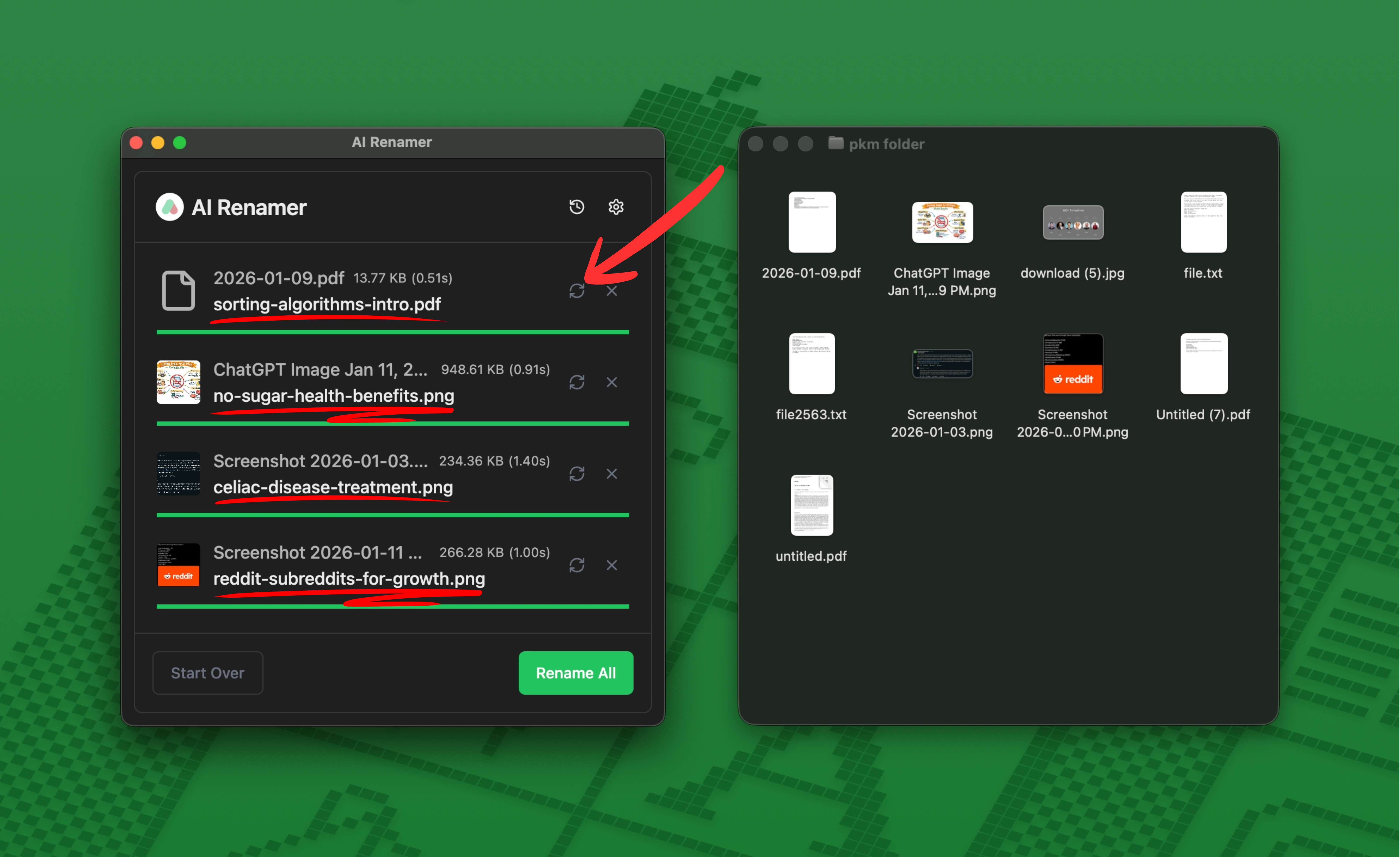 Before:
download (5).pdfScreenshot 2026-01-10.pngfile2563.png
After:
sorting-algorithms-intro.pdfno-sugar-health-benefits.pngreddit-subreddits-for-growth.png
You can regenerate or adjust suggestions before applying them.
5. Rename Everything in One Click
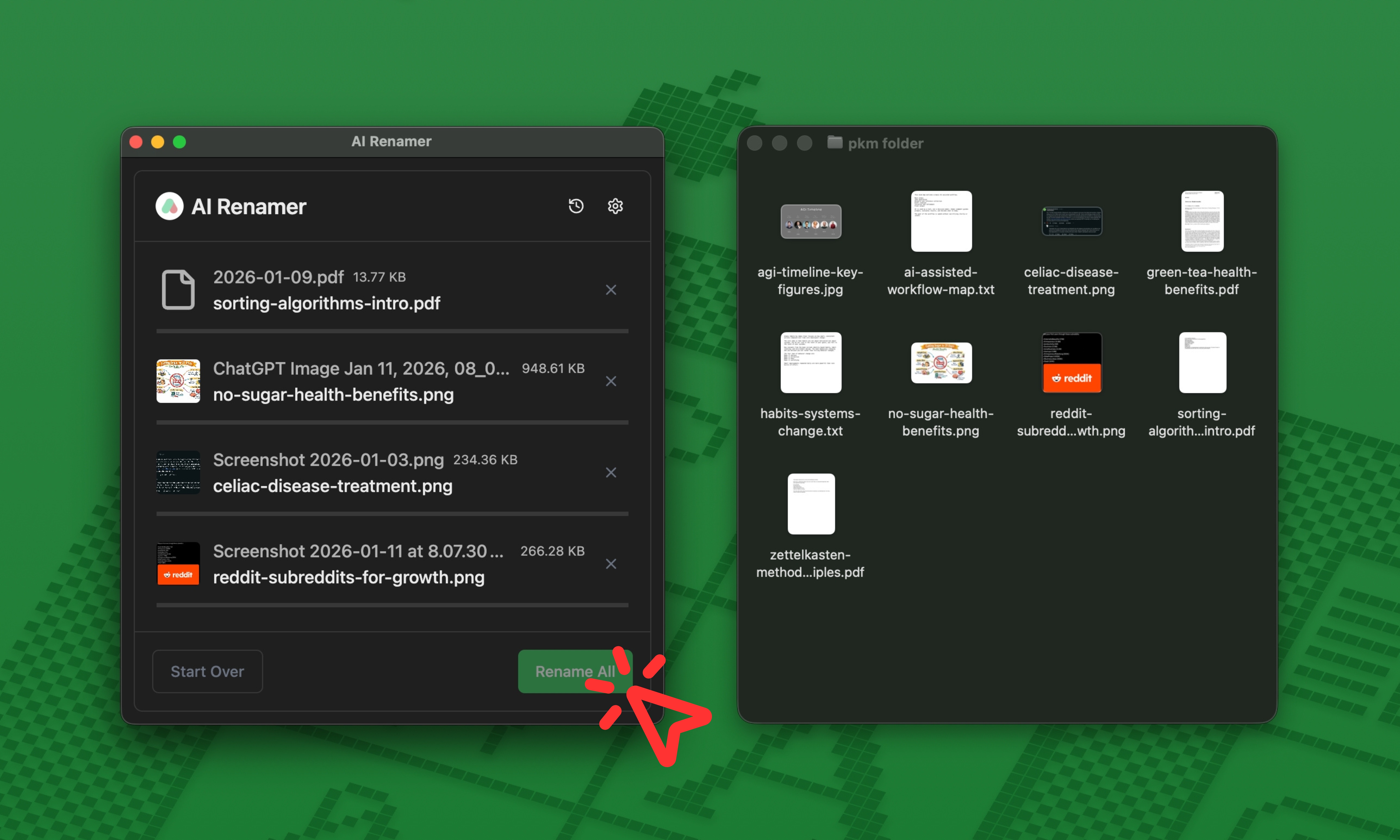 Click Rename All to apply the new filenames instantly.
Your files are now ready to be added to Notion or Obsidian without polluting your system.
Best File Naming Practices for PKM Users
Strong PKM filenames follow three rules:
- Describe the topic clearly
- Avoid generic words
- Stay consistent
Examples That Work Well
topic-context-type.pdfconcept-diagram.pngbook-title-notes.pdfcourse-topic-lecture.pdf
AI Renamer helps enforce this automatically.
Using Custom Instructions for PKM Naming
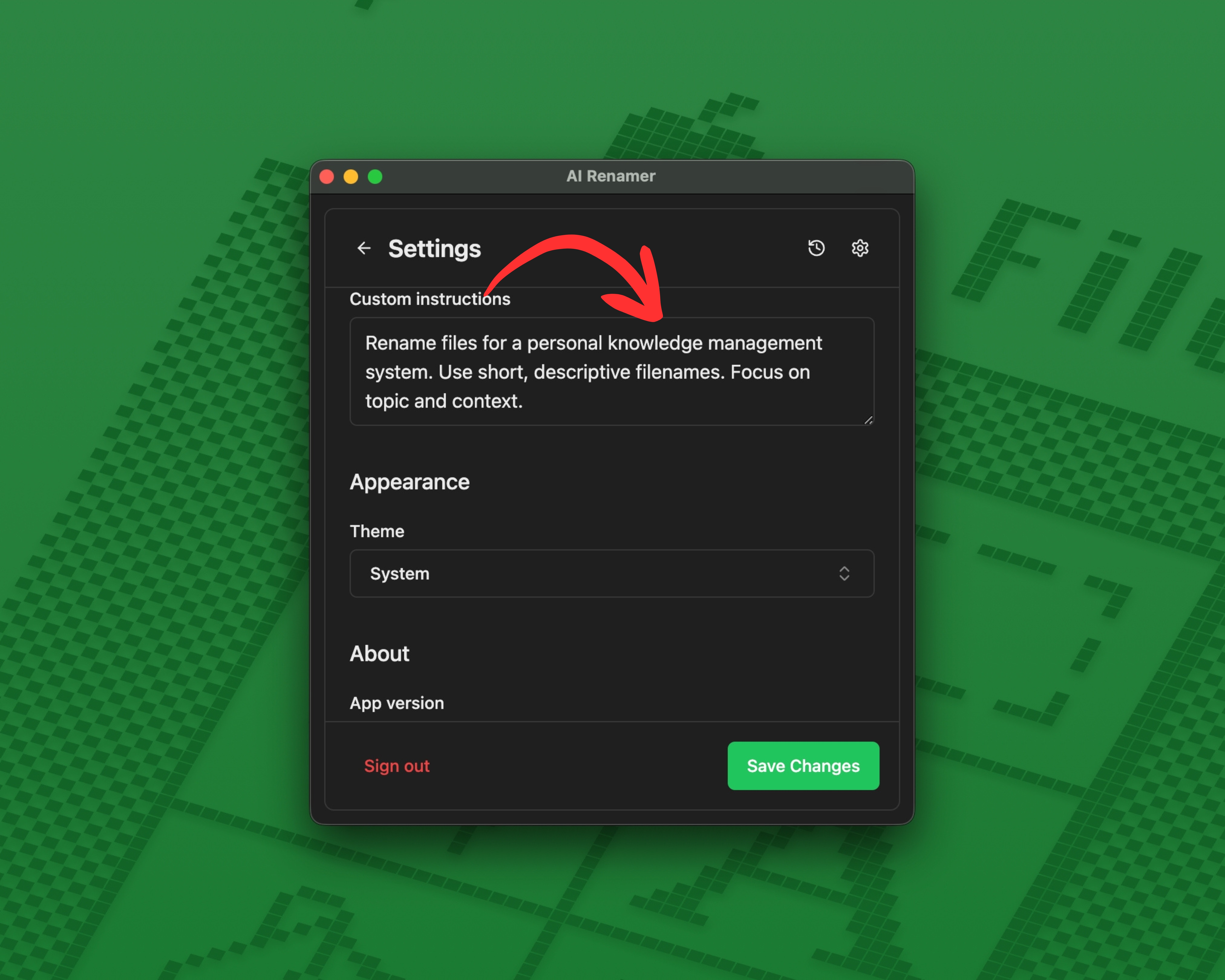 Custom Instructions let you guide how files are named.
For more workflow ideas, see:
Custom Instructions let you guide how files are named.
For more workflow ideas, see:
👉 10 Professional Use Cases for AI File Renaming Tool
Example Custom Instruction for PKM
Paste this:
Rename files for a personal knowledge management system.
Use short, descriptive filenames. Focus on topic and context.
This keeps your vault or workspace readable long term.
Before and After Examples for PKM Users
Example 1: Research PDF
 Before:
 download (7).pdf
After: green-tea-health-benefits.pdf
Example 2: Screenshot Reference
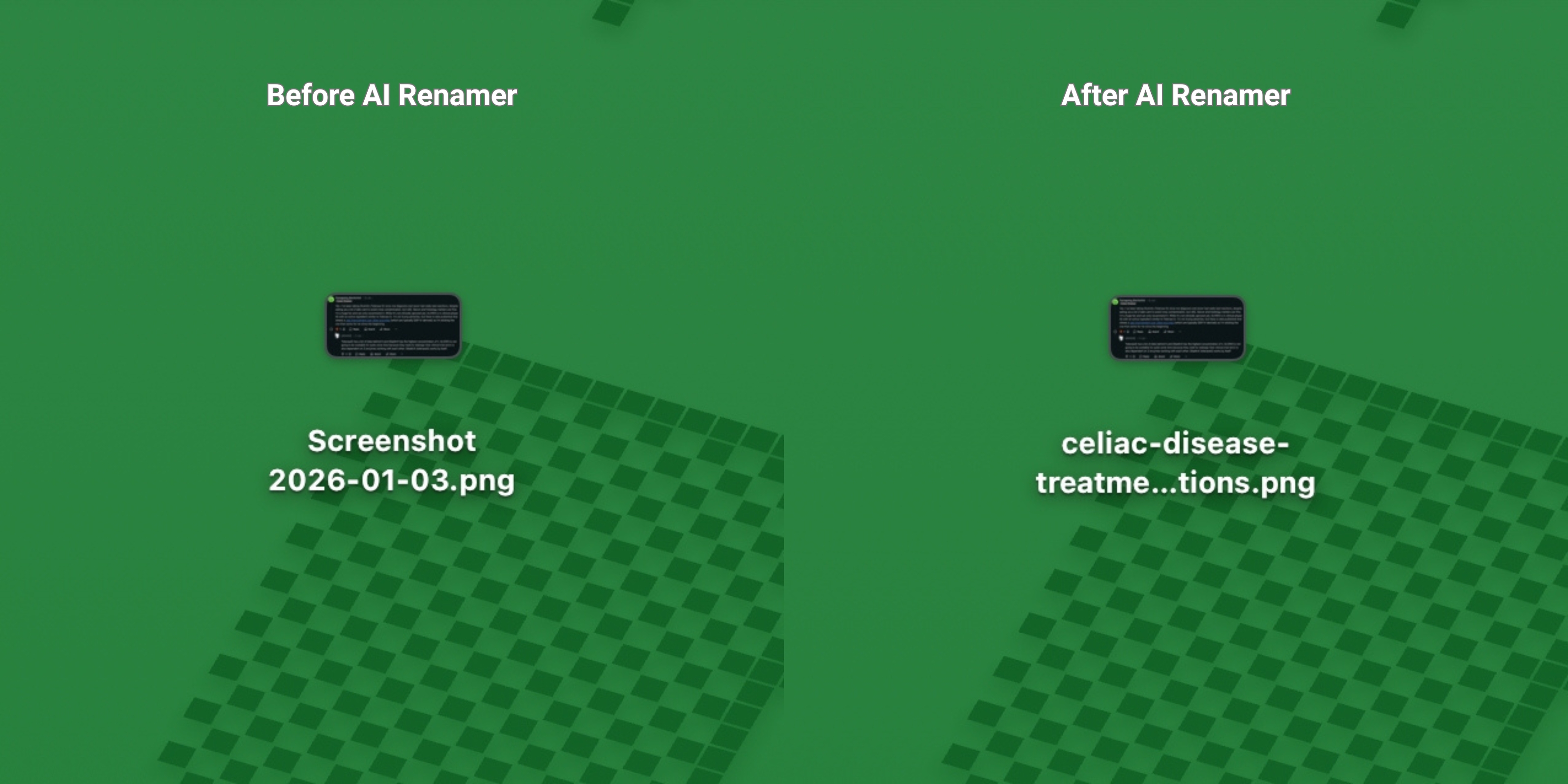 Before:
 Screenshot 2026-01-03.png
After: celiac-disease-treatment-options.png
Example 3: AI Generated Image
 Before:
 ChatGPT Image Jan 11, 2026, 08_09_59 PM.png
After: no-sugar-health-benefits.png
Example 4: Lecture Notes
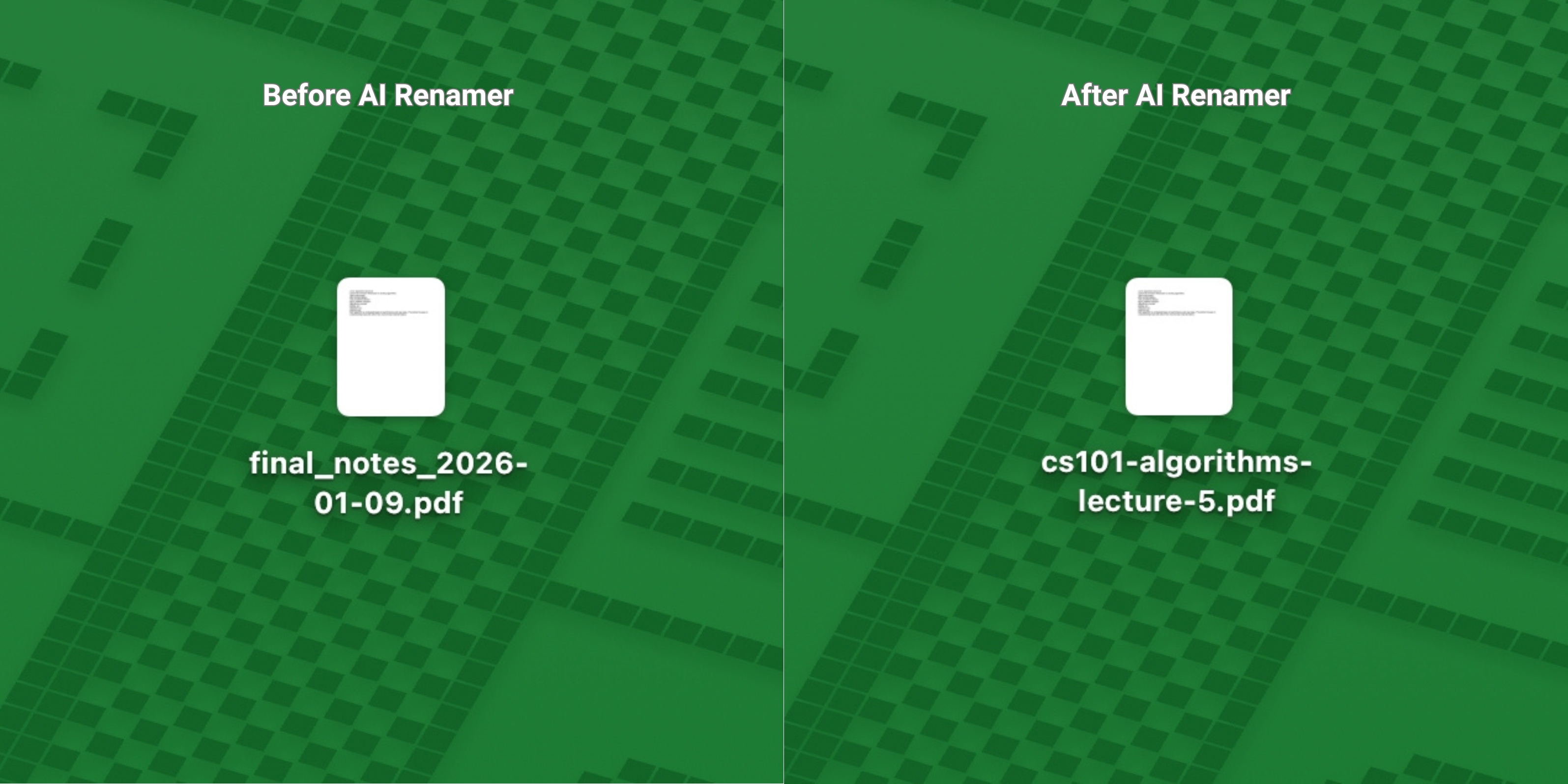 Before:
 final_notes_2026-01-09.pdf
After: cs101-algorithms-lecture-5.pdf
AI Renamer uses only what is visible in the file.
It does not identify creators, prompts, or tools.
Frequently Asked Questions
Does this work with Notion and Obsidian?
Yes. As long as your files are in a supported format like PDF, PNG, JPG, or MD, you can rename them with AI Renamer first and then add them to Notion, Obsidian, or any other PKM system.
AI Renamer works before import. It does not connect to Notion or Obsidian directly. It simply renames the files on your computer so they are clean and readable when you add them to your workspace.
Is it safe for private notes?
Yes. Local Mode keeps all files on your device.
Can I batch rename hundreds of files?
Yes. Batch renaming is the core feature.
What happens to my files when I rename them with AI Renamer?
AI Renamer only changes the filename.
The file itself stays exactly the same.
Keep Your PKM System Clean Without Manual Renaming
If your knowledge base contains files named:
download (3).pdfScreenshot.pngfinal_v2.pdf
You are not doing anything wrong. That is how files arrive.
AI Renamer gives Notion and Obsidian users a fast, private, and automatic way to rename files so knowledge stays usable long term.
Prepare your files before they enter your PKM system.
👉 Try AI Renamer: airenamer.app