
Rename your files by what's inside.
AI Renamer looks at your photos, reads your PDFs and documents, and gives every file a clear name you can search for. Drop a folder in, check the names, rename them all at once.
10 free credits when you sign up. No card needed.
AI Renamer
Drag and drop your files or folders here
Images, videos, audio and documents are supported
AI Renamer
Three steps. About a minute.
No rules to write and no patterns to learn. AI Renamer reads the files and you decide what to keep.
- AI Renamer
AI Renamer
Credits: 42Drag and drop your files or folders here
Images, videos, audio and documents are supported
Select FilesSelect Folder241Drop files or a folder
Drag them onto the window, or pick them with Select Files and Select Folder. Images, videos, audio, PDFs, Office documents and text files all work.
- AI Renamer
AI Renamer
Credits: 42IMG_4821.jpg3.20 MB(1.10s)golden-retriever-in-park.jpgscan0001.pdf471.04 KB(2.90s)acme-invoice-march-2026.pdfScreenshot 2026-11-12 at 10.42.13.png890.63 KBDSC_0042.jpg5.00 MB2AI reads every file
Each file is read for what it shows or says and gets a new name in a few seconds, written the way you set it up.
- AI Renamer
AI Renamer
Credits: 42IMG_4821.jpg3.20 MB(1.10s)golden-retriever-in-park.jpgscan0001.pdf471.04 KB(2.90s)acme-invoice-march-2026.pdfScreenshot 2026-11-12 at 10.42.13.png890.63 KB(2.80s)login-error-dialog.pngDSC_0042.jpg5.00 MB(2.70s)sunset-over-lisbon-bay.jpg3Check, then rename all
Nothing changes on disk until you press Rename All. Not happy with one name? Ask for another.
It looks before it names.
Photos, scans and frames from videos go to a vision model that sees what is in them. PDFs, documents and text files are read for what they say, and audio for what is said in it. The old name is used as a hint, so dates, names and invoice numbers stay.
- Photos, screenshots and scans
- PDFs, even scanned ones
- Notes, CSV, JSON and code
AI Renamer
Tell the model what matters to you.
Write a few plain words in Settings and every new name follows them. They work with the cloud models and with your own model in Ollama, LM Studio or any provider you connect, and they come before the other rules.
- Plain words, no patterns or code
- Works with cloud and local models
- Up to 1000 characters in cloud mode
Settings
Output Settings
Name Templates
No templates yet, the AI writes the whole name
“Start invoices with the invoice number”
scan0001.pdfinv-2041-acme-office-supplies.pdf“Use three words at most”
IMG_4821.jpggolden-retriever-beach.jpg“Keep the photo number from the old name”
DSC_0042.jpgsunset-over-lisbon-bay-0042.jpg“Start screenshots with the app name”
Screenshot 2026-11-12 at 10.42.13.pngslack-login-error-dialog.png“Name receipts by the shop and the total”
IMG_20260302_101530.jpgblue-bottle-coffee-12-50.jpg“Mention the main color of the product”
product_final_3.jpgred-leather-weekend-bag.jpg
Larger models follow instructions more closely than small local ones.
Run it on your own computer.
Switch to Local and rename with Ollama or LM Studio on your machine. Your files never leave it, there are no credits to count and no size limits. You can also bring your own key for OpenAI, Google AI Studio or OpenRouter.
- One payment of $19, unlimited renames
- Works offline with Ollama and LM Studio
- Test Connection checks your setup
Settings
AI Configuration
Files are processed privately on your computer.
Checks that Ollama is running and has this model.
Ollama is running and llava:13b is ready.
Set up a local model in a few minutes.
Short videos for Ollama and LM Studio. Follow the three steps and rename your files without sending them anywhere.
- 1
Install Ollama
Download and install Ollama on your computer to run local AI models without sending your files to the cloud.
- 2
Download a model
Use Ollama to download a model like llava, which can read images as well as text.
- 3
Configure AI Renamer
In Settings choose Local, pick Ollama as the provider and enter the model name for private, offline renaming.
New files name themselves.
Point AI Renamer at your Downloads or Screenshots folder. Every new file that lands there is renamed a few seconds later, and the Watching page shows what it became.
- Watch as many folders as you like
- Only new files, never the old ones
- Runs while the app is open
Watching
Pick the parts, the AI fills them in.
Write a pattern like {date}_{company}_{amount} once and every file gets a name in that order. The AI finds each part in the file, and dates like when a photo was taken are read from the file itself.
- Start from invoices, receipts, photos and more
- Add your own fields, like a policy number
- See an example name before you save
Settings
Output Settings
With a template, the title is shortened first. Dates, amounts and numbers are never cut.
Name Templates
Invoices
{date}_{company}_{amount}_{number}
scan0001.pdf2026-03-14_acme-corp_ 1250.00-EUR_ INV-2041.pdf Receipts
{date}_{company}_{amount}
IMG_20260302_101530.jpg2026-03-02_blue-bottle-coffee_ 12.50-USD.jpg Bank statements
{date}_{company}_{title}
statement_0930.pdf2026-09_chase_ visa-card-statement.pdf Photos
{taken}_{title}
DSC_0042.jpg2026-08-21_sunset-over-lisbon-bay.jpg Screenshots
{created}_{title}
Screenshot 2026-11-12 at 10.42.13.png2026-11-12_login-error-dialog.png Research papers
{author}{year}_{title}
1706.03762v7.pdfvaswani2017_attention-is-all-you-need.pdf
A field the file does not have is left out, so a name never has an empty gap.
Works with almost every file.
Photos, RAW files, documents, videos, audio and code. 151 kinds of files, each read the way that suits it.
Images
A vision model sees what is in each photo, screenshot and iPhone picture.
- jpg
- jpeg
- png
- heic
- heif
- webp
- avif
- gif
- bmp
- tif
- tiff
- jpe
- jfif
RAW photos
The JPEG preview your camera saves inside the file is read, so it is quick and the RAW data is never touched.
- cr2
- cr3
- nef
- nrw
- arw
- raf
- orf
- rw2
- pef
- dng
- 3fr
- erf
- x3f
Documents
PDFs, Office files, ebooks and emails are read for what they say. Scanned PDFs are seen as images.
- docx
- doc
- xlsx
- xls
- pptx
- odt
- ods
- odp
- rtf
- epub
- eml
Videos
Four frames from across each video show what happens in it, with its title and date when it has them.
- mp4
- mov
- m4v
- mkv
- avi
- webm
- wmv
- flv
- mts
- m2ts
- mpg
- mpeg
- 3gp
- 3g2
- mxf
- ogv
Audio
The first minute is turned into text, and tags like the title and artist are read too.
- mp3
- m4a
- wav
- flac
- aac
- ogg
- opus
- wma
- aiff
- aif
- m4b
- oga
- amr
Text and code
Notes, data, subtitles, calendars and code are read for what they say.
- txt
- md
- csv
- json
- xml
- yaml
- html
- log
- srt
- vtt
- ics
- vcf
- sql
- js
- ts
- py
- java
- go
- rs
- swift
- php
- rb
- cpp
- ipynb
- +60 more
Loved by people with messy folders.
Comments from the Product Hunt launches and Reddit, as they were written.
Ozgur I literally love this - I rename all the images I save & then the documents on top of that, organise my desktop about 4x / week - Seriously need & want this - What a tool!

Sounds like a great tool to clean up messy desktops and folders.

I'd wish I've got this 10 years ago ;) Anyway it's super useful nowadays and I'm more than sure many makers will be super grateful with this. Wish you all the best!

Hahaha, finally a way to get rid of those random number file names! 😆

Honestly, especially when it comes to naming photos, I can see this being really useful..

Sick 👏

Really easy and useful, great job!

not bad. goodbye jswoqownwbskso.html

Seriously?? It looks come here to save my life ...

This looks really useful, especially for organizing large sets of files.

Congratulations on the launch! This is looking very cool!

That’s awesome! AI Renamer can greatly boost the efficiency of renaming files. Thanks to Maker, this really saves a lot of time.

Pay per file, or once for good.
Start with 10 free credits. Buy more when you need them, or switch to your own models with one payment.
Cloud
Pay as you go
5 cents a file. Slide to see other amounts.
- 10 free credits when you sign up
- Credits never expire
- 1 credit per renamed file
- Curated cloud models for images and text
- Files are processed privately, never stored
- No file size limit
Local
Your own models
The Local Model Package. Pay once, rename as much as you like.
- Unlimited renames
- Ollama and LM Studio, fully offline
- OpenAI, Google AI Studio, OpenRouter or a custom endpoint
- Files never leave your computer with Ollama and LM Studio
- No file size limit
- One payment, no subscription
Mac, Windows and Linux.
Pick your computer. After you install it, the app keeps itself up to date.
macOS
Desktop app, version 1.10.0
Windows
Installer, version 1.10.0
Linux
Debian package, version 1.10.0
Questions, answered.
The things people ask before they download. Something missing? Send us a message from the contact page.
Better with every release.
The app updates itself, so new features reach you as soon as they ship. Here is what each version brought.
v1.10.0
LatestNov 15, 2026- Add video and audio support
- Add Intel Mac and Linux arm64 builds
- Read PDF text and titles more reliably
- Add HEIC, AVIF, BMP and RAW photo support
- Open the app faster, without a white flash
- Add Word, Excel, PowerPoint, OpenDocument and EPUB support
- Add Name Templates to build filenames from fields like title, date and company
v1.9.0
Nov 12, 2026- Show the Google account picker on sign in
- Keep new filenames within the maximum characters
- Show settings in tabs with a description for each field
- Add "Test Connection" button for Ollama and LM Studio
- Add Watching page to see watched files being renamed
- Add Watch Folder to rename new files as they arrive (beta)
- Use the original filename as extra context for better names
- Add "Rename based on" setting to use the file content, the file name or both
v1.8.0
Dec 10, 2025- Add dark mode support
- Fix critical vulnerability in RSC
- Fix no-case issue on renaming files
Guides for tidier folders.
How to name, sort and find your files, with and without AI.
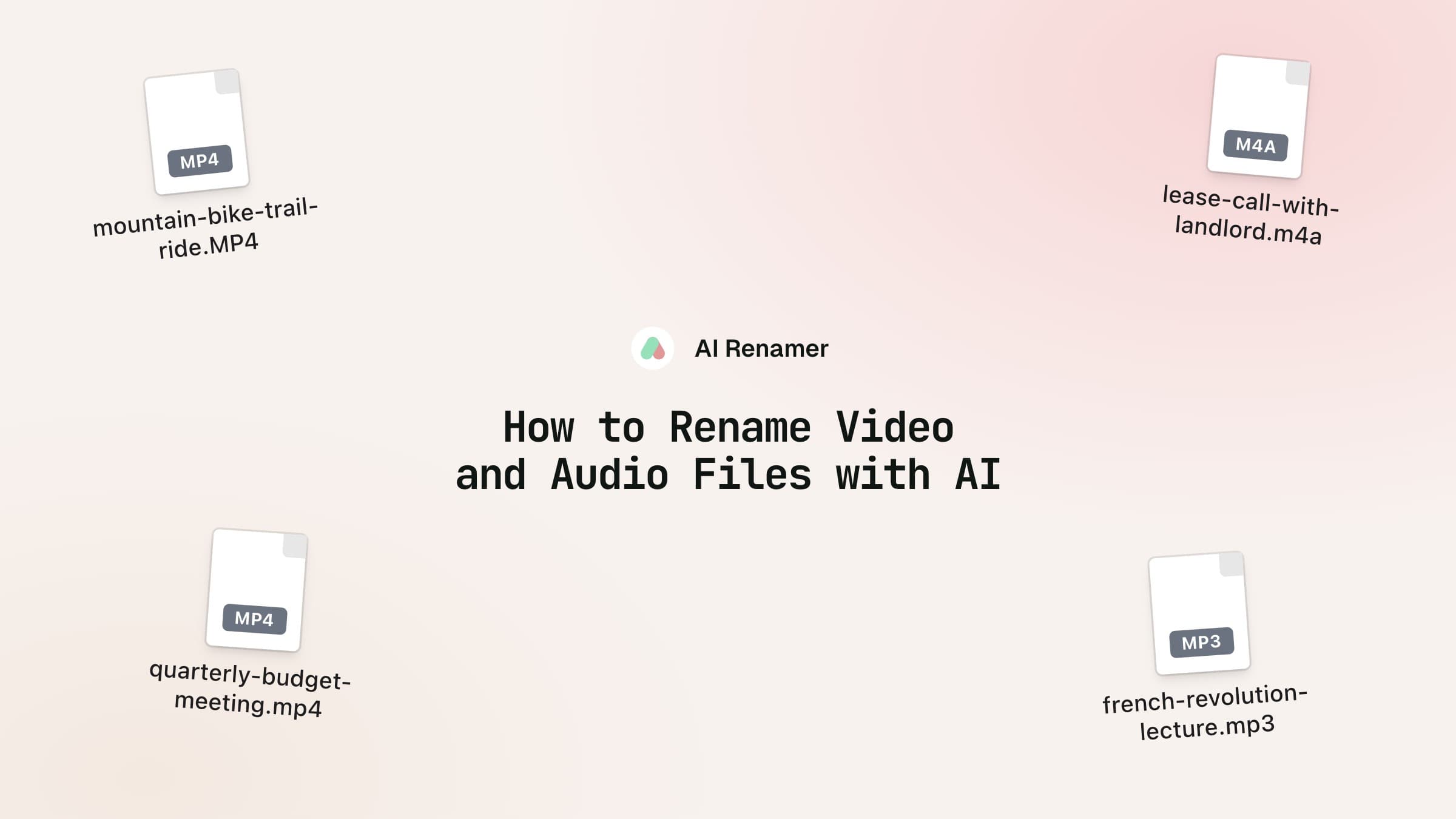
How to Rename Video and Audio Files with AI
AI Renamer now names videos from four frames inside them, and recordings from what's said in their first minute.
Read more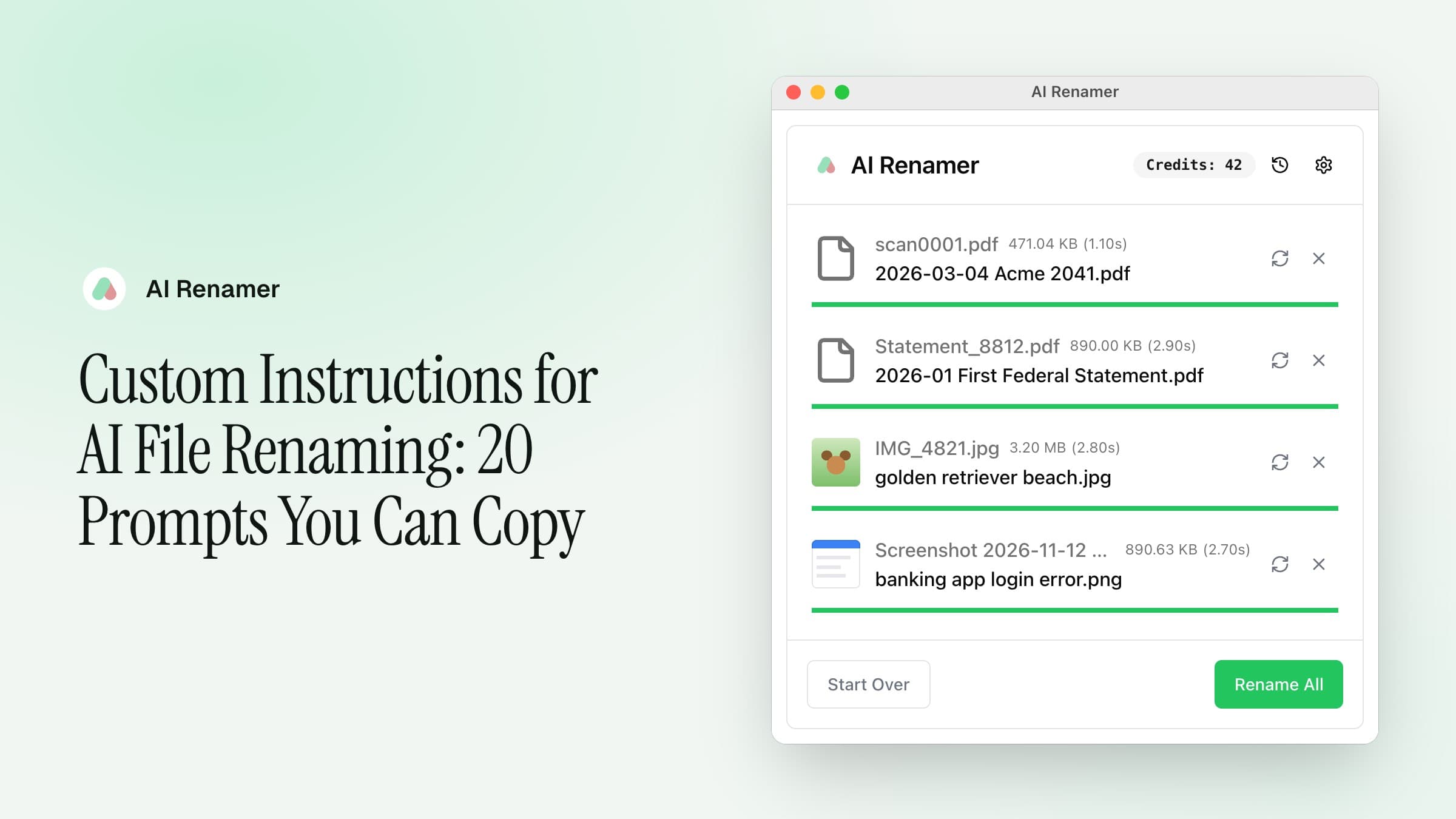
Custom Instructions for AI File Renaming: 20 Prompts You Can Copy
Twenty custom instructions for invoices, statements, contracts, photos and screenshots, with the settings each one needs.
Read more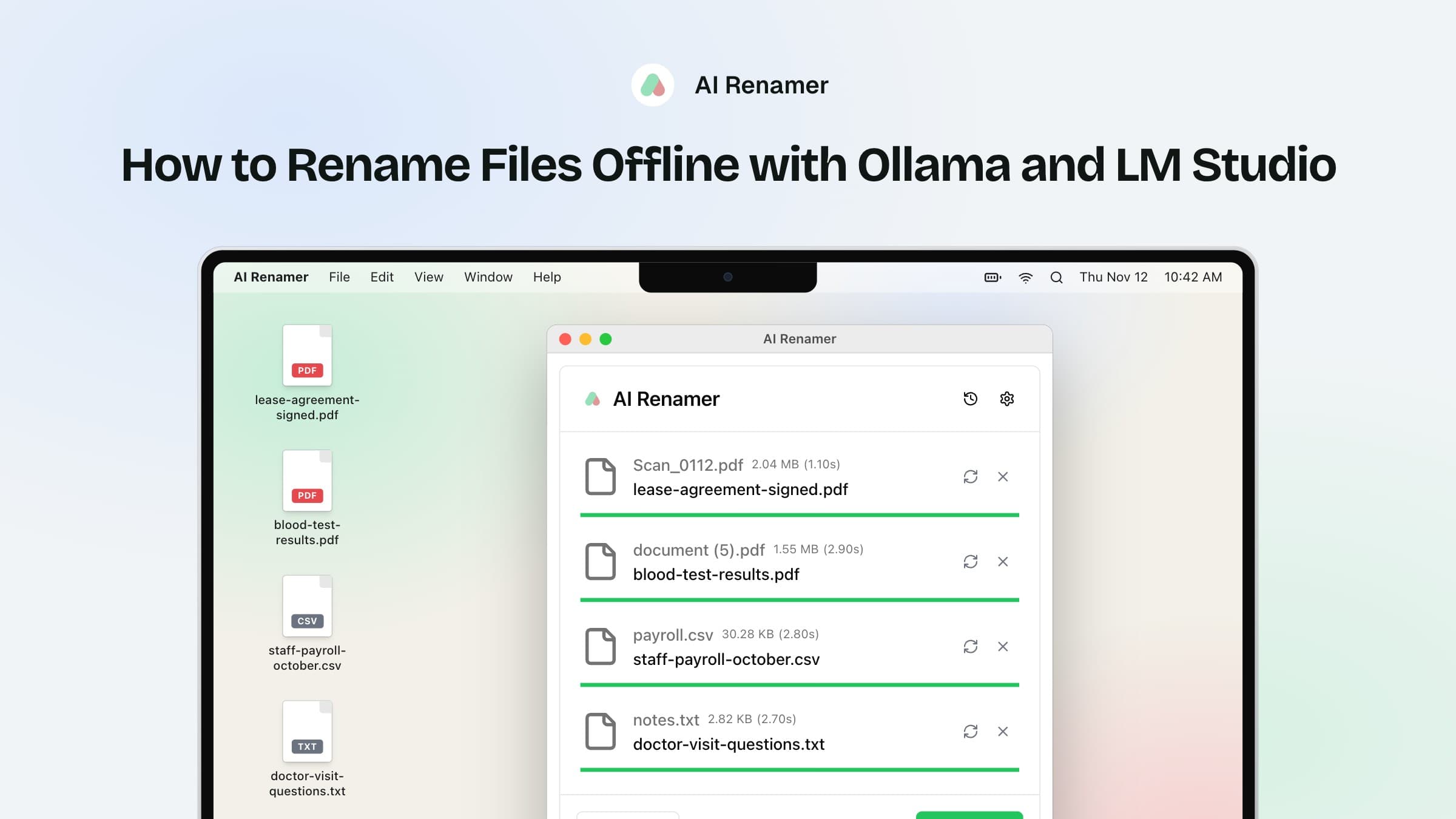
How to Rename Files Offline with Ollama and LM Studio
Connect AI Renamer to Ollama or LM Studio, check the setup with Test Connection, and rename files without uploading them.
Read moreTalk to the maker.
A question, an idea or a file that got a strange name? Send a message and you will hear back by email.
Give your files their real names.
Download AI Renamer, sign in with Google and rename your first 10 files for free.
For Mac, Windows and Linux. Local mode is a one time $19.